
Guide 25 pages
The Honest Coffee Handbook
Why your coffee tastes sour or bitter, what actually fixes it, and the expensive gear that changes nothing.
Read →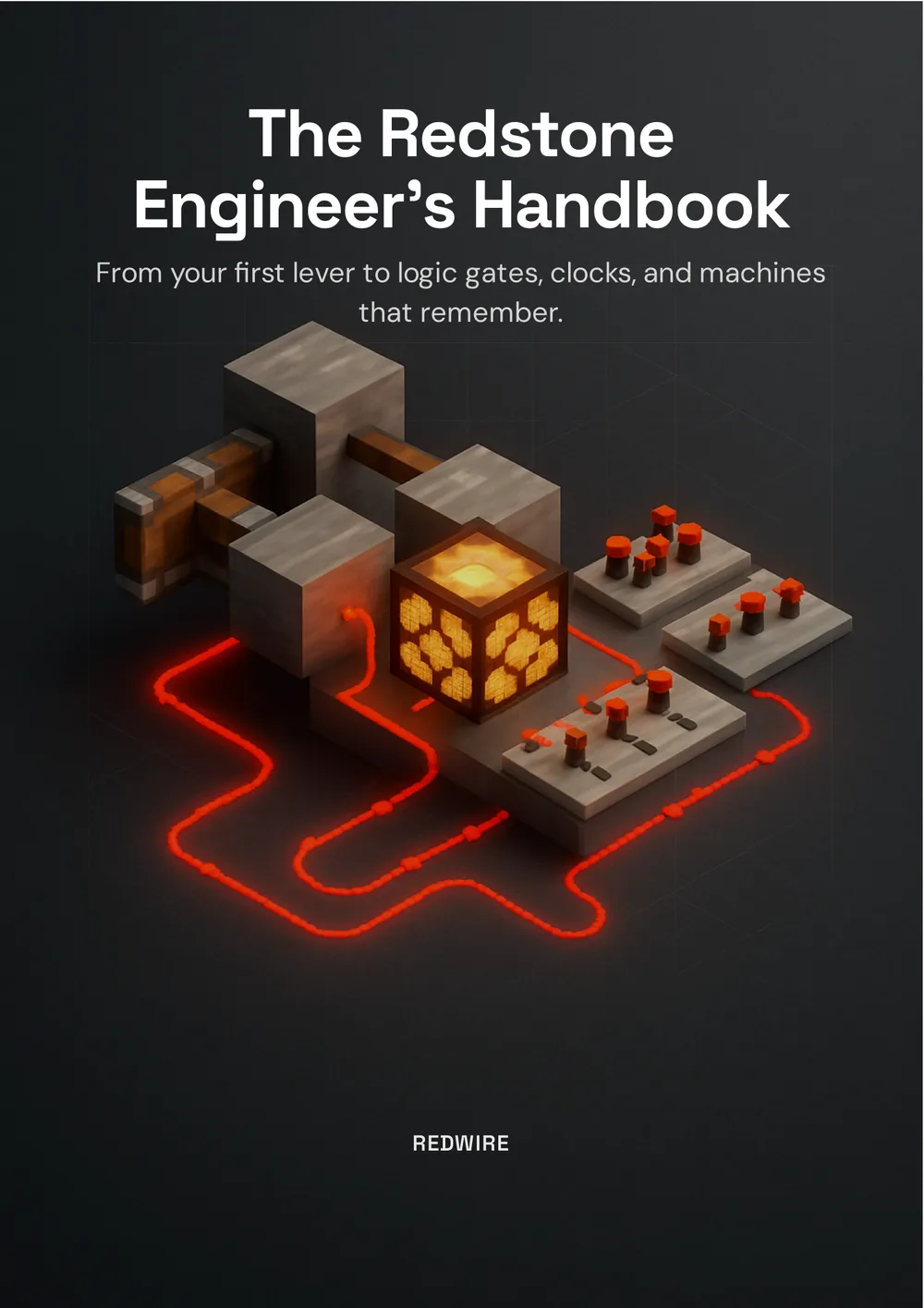
From your first lever to logic gates, clocks and machines that remember: redstone as engineering, not magic.
Reads in your browser, no download, no email. Made with Unplain.
What Redstone Actually Is
Sources, wires and devices (the whole subject in one sentence) plus signal strength, the number that governs everything.
The Power Sources
Manual, constant and sensing triggers, and how to pick the right one for the job.
Wiring, Repeaters, and Comparators
Dust and its decay rule, the repeater's four jobs, and the comparator's two talents.
The Inverter, and the Birth of Logic
Why a redstone torch is on by default, and why that backwards behaviour is where logic starts.
Logic Gates
OR, NOT, AND, XOR, NAND and NOR: described so you can actually build them.
Timing, Pulses, and Clocks
The redstone tick, pulse extenders and shorteners, and signals that repeat.
Memory, or Making Redstone Remember
The RS latch, the T flip-flop, and the piston-and-redstone-block design that holds state with no power draw.
Build It: Three Machines That Use Everything
A one-button toggle lamp, a comparator item sorter, and a 2x2 flush piston door.
Golden Rules and Troubleshooting
A symptom-to-fix table, and the rules that stop builds breaking in the first place.
Redstone is Minecraft’s electricity, and like electricity it feels like magic until you learn the handful of rules underneath it. Then it stops being magic and becomes engineering, which is more fun, because engineering you can design.
This handbook from Redwire takes 30 pages to get from a lever and a lamp to logic gates, clocks and circuits that remember what you did.
Every redstone contraption is built from three kinds of thing: power sources that create a signal, wires that carry it, and devices that do something when it arrives. A lever sends power down a line of dust to a piston. That’s the atom of redstone; everything else is that pattern repeated and combined until it does something clever.
A redstone signal isn’t simply on or off: it has a strength, a number from 0 to 15. A source at full blast outputs 15, and here’s the rule that trips up every beginner: redstone dust loses one point of strength for every block it travels. Fifteen blocks and your signal is dead, like water losing pressure in a long pipe.
Most devices don’t care about the exact number: a piston fires just as hard at 3 as at 15. But some components read it precisely, and those are where redstone gets genuinely powerful.
The repeater is the most useful wiring component because it does four jobs at once: it refreshes the signal back to 15, it only allows signal one way (it’s a diode, which stops circuits leaking into each other), it adds 1–4 ticks of delay, and it can lock: freeze whatever value it’s holding, giving you a one-block memory cell.
The comparator is about reading a signal rather than moving one. Point it out of a chest, barrel, furnace or hopper and it outputs a strength proportional to how full that container is. That single trick powers item sorters, storage indicators and auto-brewing stands.
A redstone torch attached to a block is on by default, and turns off the moment you power the block it’s attached to. Power in, light off. It outputs the opposite of its input: a NOT gate, the fundamental building block of every logic circuit ever made, in redstone or in silicon.
That one flipped signal matters enormously. With sources and wires alone you can only ever say “if this, then that.” Add the ability to say “if not this” and you can express any rule you can imagine: only if both switches are on, only if exactly one is, only if none are. The AND gate, for instance, falls straight out of De Morgan’s law: both A and B is the same as not (either A is off or B is off), so you invert each input, feed them into an OR, and invert the result.
Redstone has no memory of its own; cut the power and it forgets everything. Which makes an obvious thing surprisingly hard: how do you get a single button to turn a light on, then off again next press?
You need a memory circuit. The RS latch remembers which of two buttons you touched last. The T flip-flop (the one you’ll reach for most) takes a single pulse and flips its output, turning a button into a lever. The modern build for it is worth memorising: a sticky piston with a block of redstone on its face, watched by an observer, so each pulse pushes or pulls the block into or out of the circuit. The piston physically holds the state, so it remembers with no power draw at all.
Redstone almost never fails randomly, so resist tearing the build down. Is it actually powered? Is it within fifteen blocks of the last repeater? Are two lines of dust bleeding into each other (the cure for which is a repeater used as a diode)? Does a component need a block update to wake up? And the big one: is this a Java versus Bedrock difference?
The handbook closes with a symptom-to-fix table and a set of golden rules, of which the most useful is probably test with levers, trigger with buttons: levers hold their state while you go and inspect what happened.
This is a real creator’s guide, published free by a Minecraft education channel, and it’s in this library because it shows what a finished Unplain document looks like when the content is heavily illustrated: annotated diagrams, comparison tables, a truth table, and a symptom-to-fix grid, none of them positioned by hand. The manuscript was written as a plain document and Unplain produced the cover, contents, layout and closing page.
Published July 23, 2026
Why your coffee tastes sour or bitter, what actually fixes it, and the expensive gear that changes nothing.
Read →
A short, honest introduction to existentialism, and why a philosophy of anxiety turns out to be the hopeful one.
Read →
What actually turns content into pipeline now that buyers do 80% of the journey before they ever talk to you.
Read →The manuscript was written as plain text. Unplain added the cover, the table of contents, the page numbering, the brand colours and the closing call-to-action page, and returned a publish-ready PDF: no editor, no page-by-page layout. Your document works the same way.
No signup needed. Short ebooks are on us, forever.