Unplain MCP
Connect Unplain to Codex
Codex can create and export designed PDFs in your Unplain account, with your key held in an environment variable rather than written into a config file. Draft in the terminal, get back a document with a cover, a contents page and your branding on it.
Two minutes if you already have a key. Works on the free plan.
Get a key
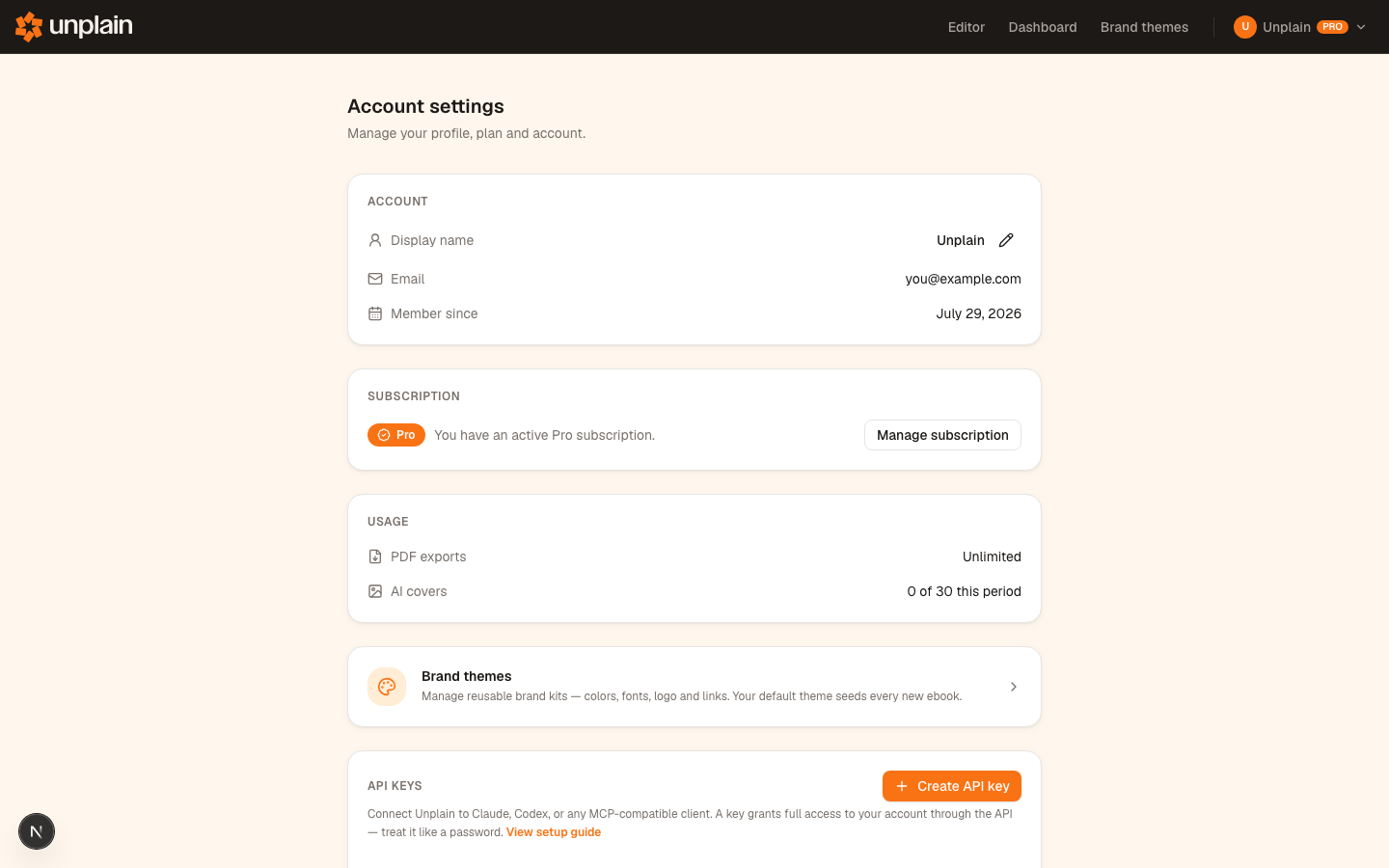
Account settings, API keys, Create. Name it "Codex" so you can revoke this one on its own later. It is shown once and never again, so have somewhere ready to put it: with Codex that somewhere is your shell profile, not a config file.
Open Account settingsMore on what a key can do and how to revoke it in the overview.
Set the key, then add the server
The key is read from an environment variable at launch, which is the one real difference from every other client. Nothing secret ends up on disk in Codex's own configuration.
export UNPLAIN_API_KEY="unp_your_key_here"

codex mcp add unplain \
  --url https://app.unplain.io/api/mcp \
  --bearer-token-env-var UNPLAIN_API_KEY
The add command writes this for you. You can add it by hand instead if you prefer. Put the export line in your shell profile (for example ~/.zshrc) so the key survives a new terminal window.
[mcp_servers.unplain]
url = "https://app.unplain.io/api/mcp"
bearer_token_env_var = "UNPLAIN_API_KEY"
The export has to outlive the terminal
An export typed into one shell dies with that shell, and Codex reads the environment
at launch. Put the line in your shell profile, open a new terminal, and
check it with echo $UNPLAIN_API_KEY before you start Codex. Most Codex setup problems are this one.
Check it worked
Restart Codex first: it reads the environment at launch, so a shell you exported the key in afterwards will not do.
codex mcp listUnplain should appear as enabled, with its auth shown as a bearer token. That confirms Codex registered the server, but not that your key is reaching it, since the key is resolved from the environment at call time. Ask for something read-only to close that gap:
What does my Unplain account allow? Show the plan and its limits.A plan and a set of limits coming back means the key resolved and the server accepted it. An authentication error at this point means the variable is not set in the shell Codex was launched from, which is the first item under troubleshooting below.
What this is actually for
Codex already has your project in reach. Connecting Unplain means the write-up does not stop at Markdown in a terminal: it comes back as a document you can send without opening a design tool.
Summarise what changed in this release, write it up as a customer-facing
release note with a short intro and one section per feature, then create
it in Unplain with my default Brand Theme and export the PDF.
Save a Brand Theme before the first document rather than after the third, so every later one inherits it. And name the sections you want rather than only the topic: a defined structure is what produces a contents page worth having.
The full list of what your assistant can do, the prompt library and the plan limits live on the Unplain MCP overview.
When it does not work
Codex cannot find the key
Codex reads UNPLAIN_API_KEY from the environment when it launches, not from its config file and not while running. Make sure the variable is exported in the shell you start Codex from, and that the export line is in your shell profile so a new terminal window still has it.
It worked, then stopped after I opened a new terminal
That is the same cause. An export typed into one shell dies with that shell. Add it to ~/.zshrc (or ~/.bashrc), open a fresh terminal, and confirm with echo $UNPLAIN_API_KEY before starting Codex.
codex mcp list shows the server but tools fail
The server is registered and the key is not reaching it. Check that the key has not been revoked, that bearer_token_env_var names the variable you actually exported, and that the URL ends in /api/mcp with no trailing slash. A bad key returns a 401.
The tools do not show up at all
Relaunch Codex. It picks up newly added servers at start, so a session that was already open when you ran the add command will not see Unplain.
Errors that are not specific to Codex, such as export length limits, cover allowances and expired download links, are covered in the overview's troubleshooting section. Still stuck? Email info@unplain.io.
Questions
Why does Codex use an environment variable instead of a config file?
Because it keeps the credential out of a file on disk that you might sync, back up or commit. The config only records the NAME of the variable, so ~/.codex/config.toml stays safe to share and the key lives wherever you keep secrets.
Can I write the config by hand?
Yes. The add command just writes an [mcp_servers.unplain] block into ~/.codex/config.toml, and there is nothing magic about it. The block is shown in step 2 if you would rather paste it in yourself.
Do I have to restart Codex after setting the key?
Yes. The environment is read at launch, so exporting the variable in a shell where Codex is already running has no effect on that session. Set the variable, then start Codex.
Want the fuller picture first? The guide to generating PDF reports from an AI coding assistant compares this route against three others, including when one of them beats the MCP.