01 Use cases
Lead magnets, reports and ebooks people make with Unplain.
One job, in different clothes: a document is already written, and it needs to look like something you would send. A fully designed, branded 20-page lead magnet takes about 5 minutes. Below is what that turns out to be in practice, and who is making it.
02By what you are making
If it has headings, it can be a PDF worth sending.
Five real Unplain exports, each a different kind of document. Open any of them and read it in full.
-
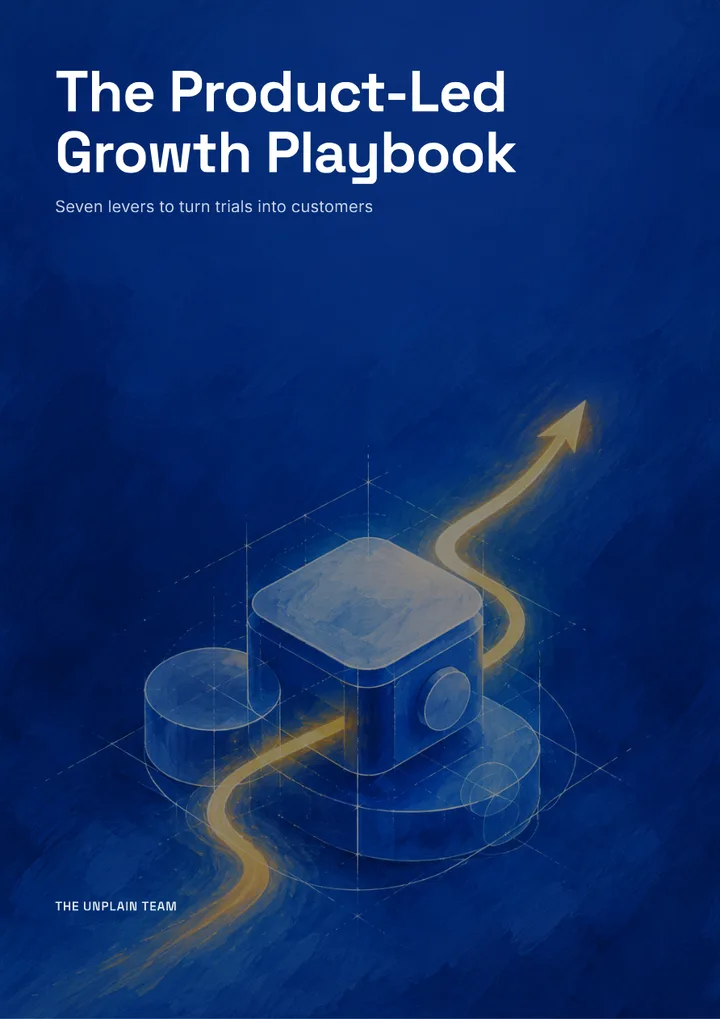 The Product-Led Growth Playbook Playbook, 15 pages
 -
 The Slow Down Method Ebook, 19 pages
 -
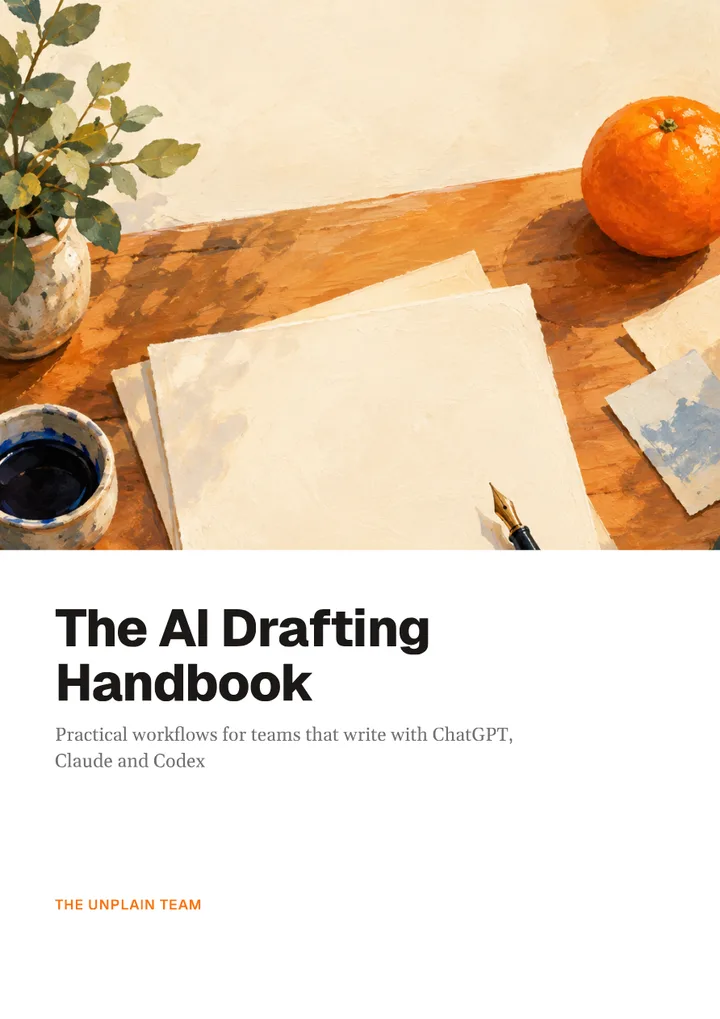 The AI Drafting Handbook Handbook, 18 pages
 -
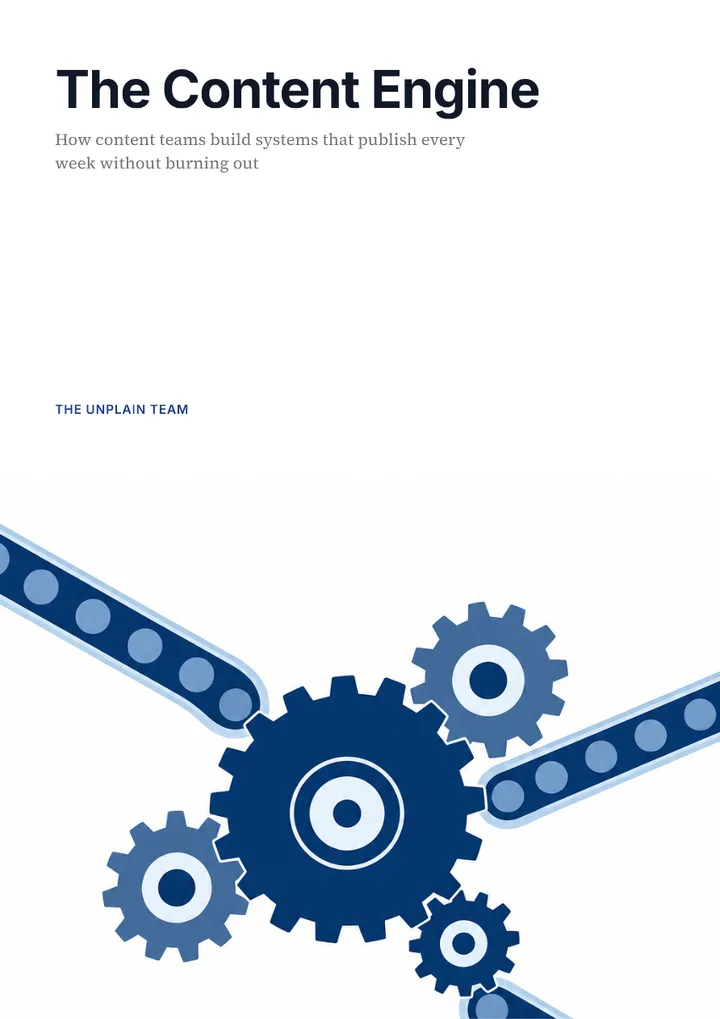 The Content Engine Report, 15 pages
 -
 The 90-Day Turnaround Client proposal, 18 pages
Lead magnets
A gated PDF that has to look worth an email address. Unplain composes the cover, the contents page and a closing call-to-action page with a working link, so the asset argues for the next step instead of just ending.
Reports and whitepapers
Long enough that pagination stops being cosmetic. Tables split across pages at row boundaries rather than being cut mid-row, page numbers stay correct, and the contents page renumbers itself when the text changes length.
Guides and playbooks
Usually written in pieces over time, which is exactly where hand-built layouts fall apart. The layout is generated from the document's own structure, so adding a section in the middle costs nothing.
Case studies
Short, repeated, and they need to match each other. A saved Brand Theme is what makes the fifth one look like the first without anybody rebuilding it.
Client deliverables
Work you hand over with your name or your client's on it. Pro, or an export from a Creator Pack, removes the "Made with Unplain" badge, which is what makes a white-labelled deliverable possible.
Ebooks
The long end of the range. Nothing changes structurally: a 60-page document goes through the same process as a 6-page one, and the free plan is where you find out whether the output suits you.
03By who you are
Who uses Unplain, by role.
-
Marketers
You already have the words: a blog series, a research doc, a webinar transcript. The gap is that none of it looks like something you would gate. Unplain turns the document you have into a branded PDF without a designer in the loop, which is what makes testing three lead magnets against one campaign realistic rather than theoretical.
Turn a ChatGPT draft into a PDF → -
Agencies and freelancers
You make the same deliverable across different clients, and the hard part is that each one has to carry a different brand. Switching is a Brand Theme change rather than a redesign (1 theme on Free, up to 25 on Pro), so the per-client cost is the writing, not the layout. Pro at $16/month removes the Unplain badge for white-labelled work. It also brings up to 5 teammates into a shared workspace, so the writer, the designer and the account lead work from the same documents and client themes.
See what the output looks like → -
Creators and coaches
You draft in Notion, Google Docs, Markdown, or straight out of an AI assistant, and you would rather not learn a design tool to publish it. Unplain takes the draft as it is and designs around it, and every export ends on a call-to-action page pointing at your next step.
Turn a Claude draft into a PDF → -
Developers and technical teams
You want the document produced from a script or a session rather than a browser tab. The MCP server lets Claude Code or Codex create and export documents in your account directly, so a release note or an analysis becomes a designed PDF in one instruction.
Connect Unplain to your assistant →
04Honest limits
When Unplain is the wrong tool.
-
You need EPUB, Kindle, Word or slides.
Unplain exports PDF and nothing else. Pandoc and Calibre are free and better at the first two.
-
The piece is one page and mostly visual.
A checklist, a poster, an infographic. Use a design tool: placing five elements by hand is faster than configuring anything.
-
The design is the product.
If every page needs to be individually art-directed, automatic layout is working against you rather than for you.
-
You have not written it yet.
Unplain does not generate your content. Bring a draft, or have an AI assistant write one and hand it over through the MCP.
05Questions
Fair questions, plain answers.
What is Unplain actually for?
Taking a document that is already written and turning it into a finished PDF: cover, contents page, pagination, page numbers, your branding, and a closing call-to-action page. It does not write the content and it does not try to.
Do I need design skills?
No. You choose colors and fonts, or pick one of the built-in presets, and the layout is composed for you. What you do control directly is the text: Unplain has an editor, so you can click any paragraph and change it, and insert headings, lists, images and buttons, while pagination stays automatic.
Can I produce several documents quickly?
That is the case it is built for. Because layout is generated rather than drawn, the cost of the second document is the writing only, and a saved Brand Theme means it comes out matching the first without anyone re-specifying anything.
What is Unplain not good for?
Anything that is not a PDF: it does not export EPUB, Kindle, Word or slides. Anything short and visual, like a one-page checklist or an infographic, where a design tool is genuinely the better answer. And anything where the design is the product rather than the wrapper around the writing.
Is there a free plan?
Yes. Free gives unlimited PDF exports for documents up to 10 content pages, where the cover, contents and call-to-action pages do not count, with no account needed to create and export, and 5 saved projects with a free account. Pro is $16/month or $160/year for unlimited length, unlimited projects and badge removal, and a one-time $9 Creator Pack covers a few full-length PDFs without a subscription.