Canva is a better design tool than Unplain, and it is not close. It
does social posts, presentations, video, print and far more, with a
template library Unplain will never match. This comparison is about one
narrow job it is not built for: a long, text-heavy document.
In Canva every page is its own canvas, so a 30-page guide is 30 layouts
to build, and adding a paragraph on page 4 can push content through
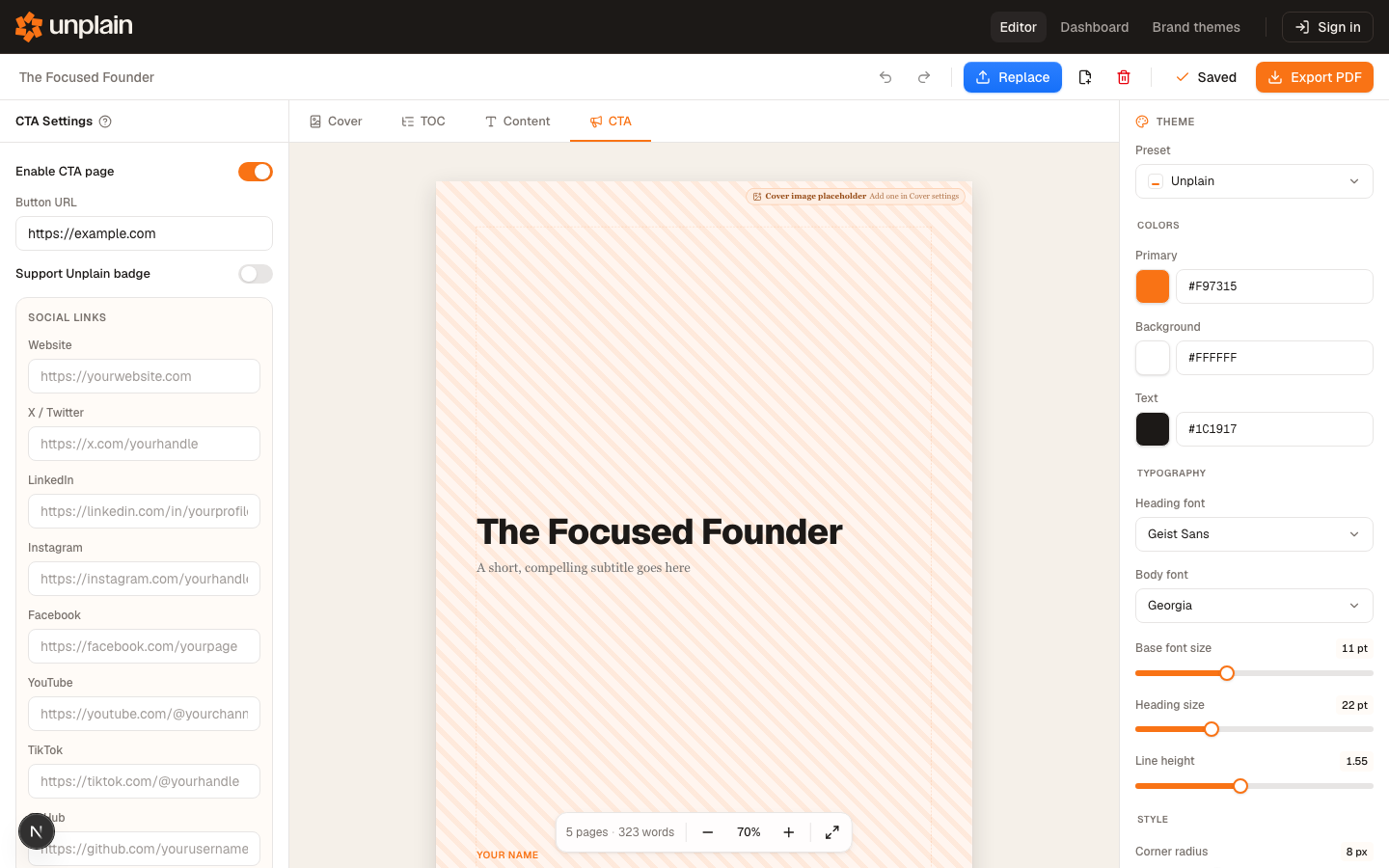
every page after it. Unplain treats the document as one flowing thing.
You edit the text and it repaginates, rebuilds the contents, keeps page
numbers right, and applies your Brand Theme throughout. The cost of
that is creative control: Unplain decides where things sit.