01 Claude to PDF
Turn Claude output into a designed PDF.
Claude writes the draft, Unplain designs it. Paste the response or upload the Markdown or Word export, and Unplain composes the cover, contents, pagination, your branding and a call-to-action page: a fully designed, branded 20-page lead magnet in 5 minutes, with no design skills required.
02What comes out
Written with Claude. Designed by Unplain.
Real pages of The AI Drafting Handbook, an 18-page Unplain export. Read the whole thing.
-
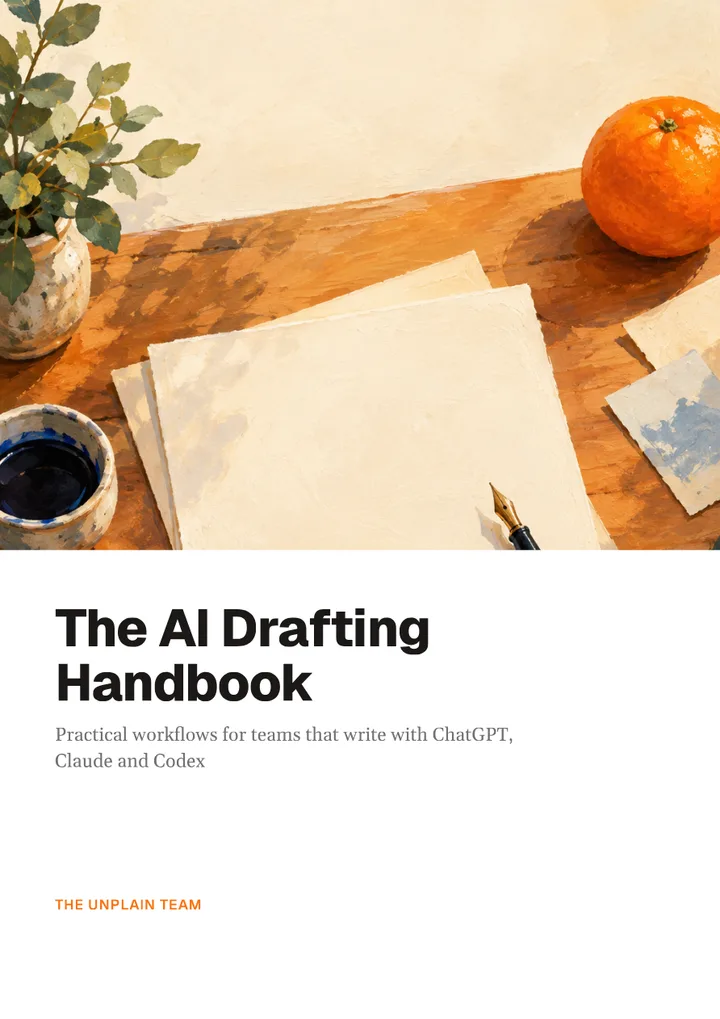 Cover, p. 1
-
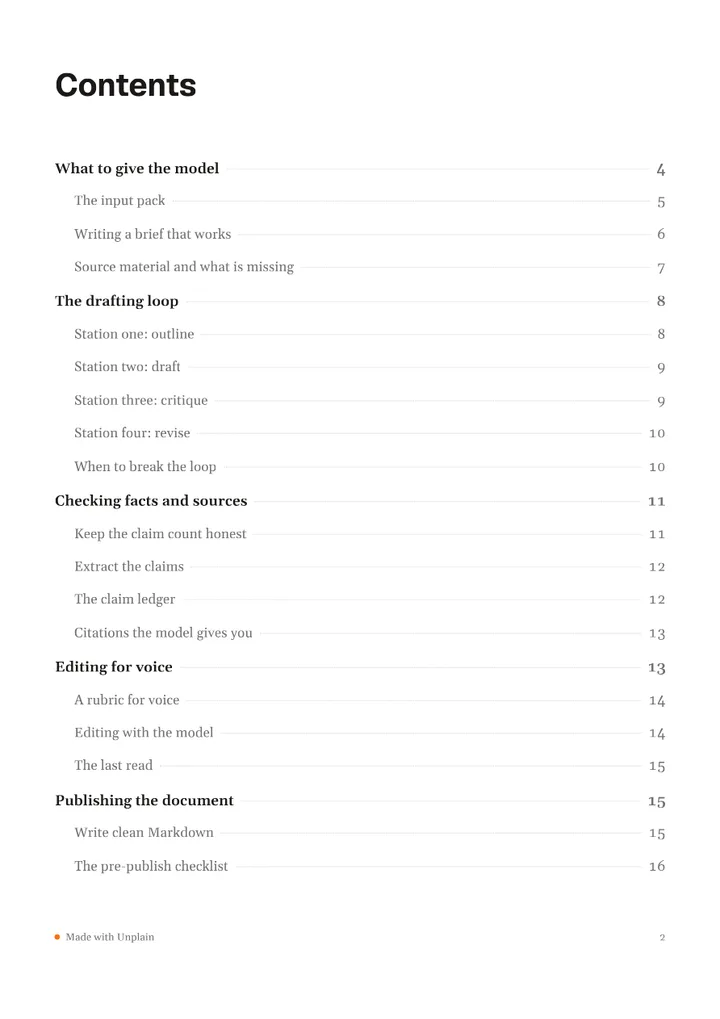 Contents, p. 2
-
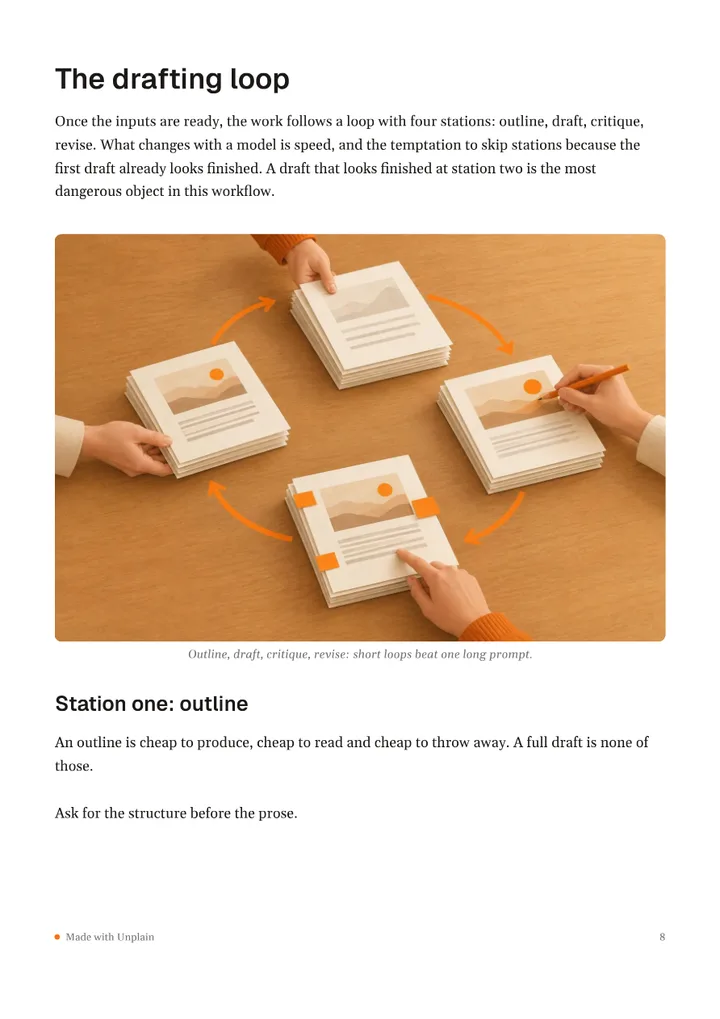 A chapter, p. 8
-
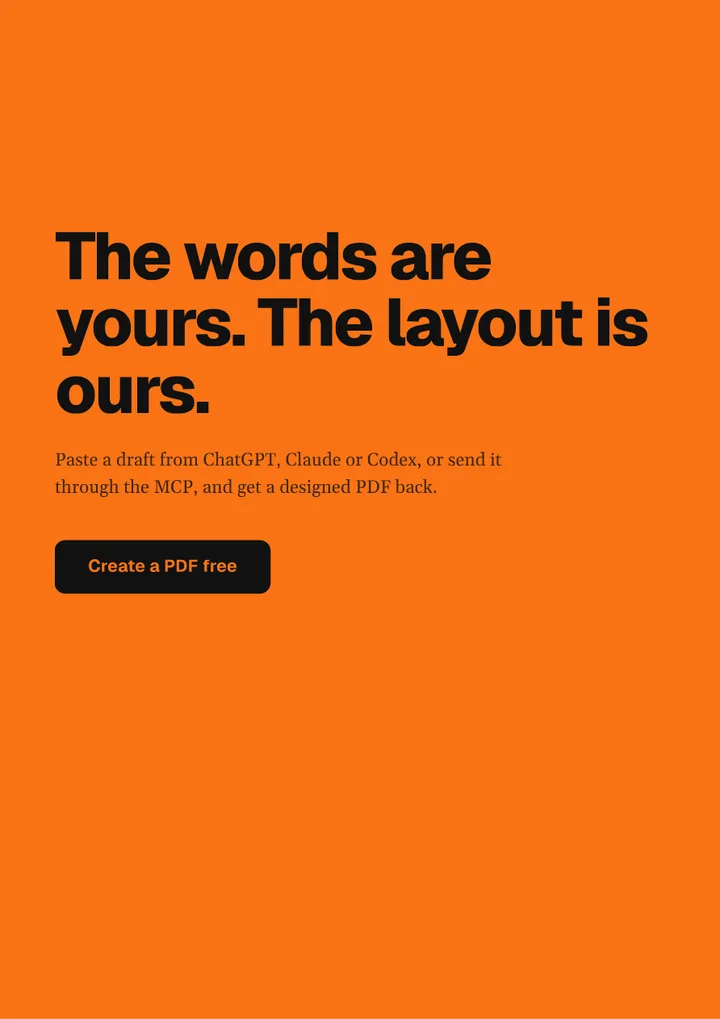 CTA page, p. 18
03How it works
From a Claude reply to a PDF in 5 minutes.
-
Paste straight from Claude
Copy a Claude response, or export the Markdown from an artifact, and drop it into Unplain, or upload the .md or .docx file. Claude's Markdown carries over faithfully: headings, bold, lists, tables and links all render into the designed PDF, so nothing needs reformatting by hand.
-
From draft to designed PDF in minutes
Unplain reads the structure of your draft and builds everything around it: a cover, a contents page from your headings, pagination and page numbers, your colors and fonts, and a call-to-action page. A fully designed, branded 20-page lead magnet in 5 minutes, and you can click any text to fix it before you export.
-
Claude writes it, Unplain publishes it
The value is not more AI. Claude already gave you the words; Unplain removes the design work between a draft and something you would put your name on. Edit in place, or regenerate a section in Claude and drop it back in: the layout and branding stay consistent every time.
Or skip the copying: connect Unplain to Claude.
Sign in once, with no API key, and ask Claude for the finished PDF in the chat. It works on claude.ai, in the desktop app and in the Claude app on your phone, and Claude can hand Unplain a draft, a file or a link to an article.
04Questions
Fair questions, plain answers.
How do I turn Claude output into a PDF?
Paste the Claude response into Unplain, or upload a Markdown (.md) or Word (.docx) export. Unplain designs the cover, table of contents, pagination and branding automatically and exports a publish-ready PDF, usually in about five minutes.
Does Claude's Markdown carry over?
Yes. Unplain renders Markdown faithfully, so headings, bold, italic, lists, blockquotes, tables and links from a Claude draft or artifact appear in the designed PDF without manual reformatting.
Can I make a lead magnet from a Claude draft?
Yes, that is the core use case. Write the content with Claude, then use Unplain to turn it into a branded PDF you can gate behind a form, with an optional call-to-action page.
Does Unplain write the content with AI?
No. Unplain does not write or rewrite text. Claude produces the content; Unplain designs it, exports the PDF and can publish it as a lead magnet with an email form. Add a cover image in the Unplain editor if you want one. The words stay yours.
Wondering why not just ask Claude for the PDF?
Fair question, and sometimes you should. We wrote out where Claude on its own is the right answer and where it is not, without pretending it cannot make a PDF.