
Plain doc
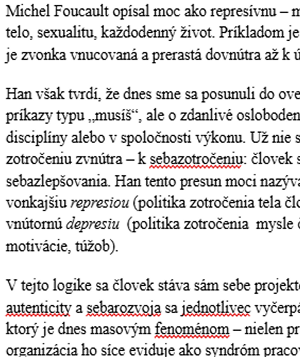
You can export a Google Doc and call it a day. This works and we don't judge. But your prospects do.
No Figma. No InDesign. No layout hell.
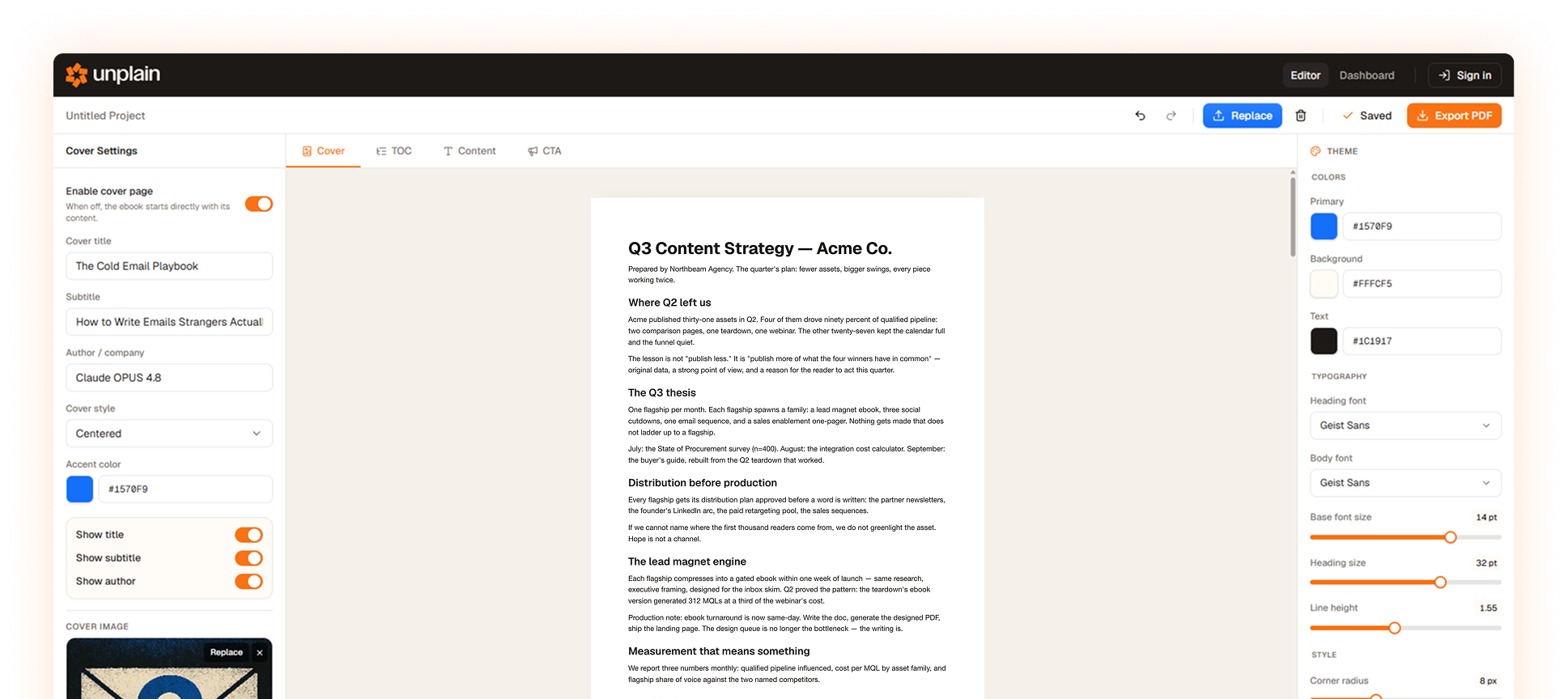
Unplain helps you create branded ebooks, lead magnets, guides, and other PDFs very fast. Upload a Google Doc, Word file, paste Markdown, or use the Unplain MCP from your AI chat. Fixing a line is a click in the Unplain editor, not another AI prompt or hours in a design tool.
Free plan available, no credit card required. Pro from $16/mo.
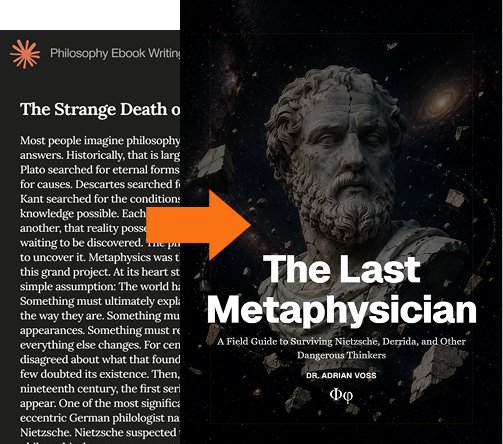
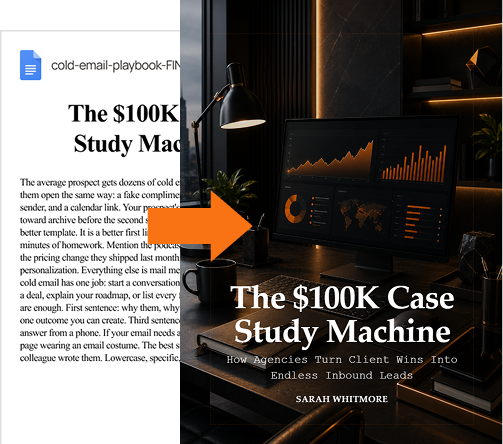
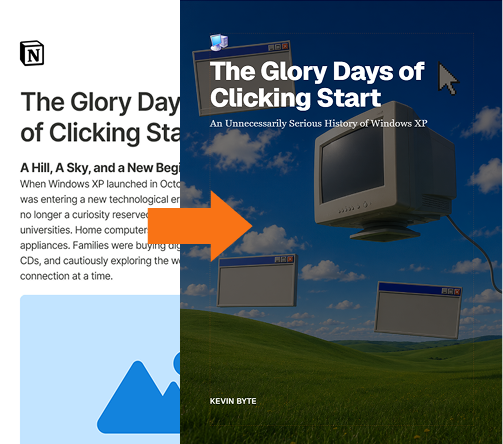
3 different PDFs. 3 different workflows. 4 minutes.
like..
You can export a Google Doc and call it a day. This works and we don't judge. But your prospects do.
Or spend hours in layout hell. Yes, the final result might look 4% nicer, but ask, was it worth it?
Oor maybe drop the document here. Cover, TOC, pagination, branding, final CTA page. Download PDF. Done. Publish-ready PDF. 5 minutes.
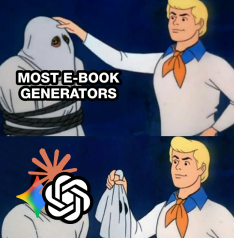
Don't spend money on tools you already have. Most PDF makers use ChatGPT under the hood and give you the same slop you can get for free.
While it allows you to edit text, Unplain aims to reduce the editing work to 0.
You set your brand once, and every PDF comes out right.
Let existing AI tools do the writing, while Unplain handles publishing.
However you write, and wherever your content comes from, Unplain is the step that turns it into a finished PDF.
In Google Docs, Word, Notion or straight from Claude or ChatGPT.
Drop the doc in yourself, or let your AI assistant hand it over for you through Unplain's MCP. Either way, Unplain takes care of the cover, TOC, branding, pagination, links, final CTA page, and more…
With time saved on all of the above, there is time for what actually matters.
With Unplain you can publish polished PDFs - lead magnets, eBooks, reports, guides - really fast.
"I'm a graphic designer. I've laid out more PDFs page by page than I care to admit. Reports, eBooks, Lead magnets… Every margin, every type pair, every TOC, by hand, in tools that fight back. Unplain is every one of those design decisions, already made. Your PDF looks designed because it is. I just did it in advance."
Upload a .md file or paste a draft straight from Claude, ChatGPT, or any LLM.
Export straight from Google Docs or drop in a .docx from Word.
Paste clean, structured text and Unplain lays it out for you.
New · Unplain MCP
MCP is a simple standard that lets an AI assistant use another app for you. Connect Unplain once, and you can ask Claude Code or Codex to write something and hand you back a designed, on-brand PDF, without leaving the chat.
Connect once
Link Unplain to your AI client a single time. No copy-paste between windows after that.
Ask your AI
Tell Claude Code or Codex what you want. It writes the content and applies your Brand Theme.
Get a publish-ready PDF
Unplain designs the cover, contents and pages, then hands back a download link and an editor link.
Included on every plan. Nothing extra to buy.
Unplain does not write your content and does not want to. It takes a finished document and turns it into a publish-ready PDF.
AI workflows
ChatGPT, Claude and Codex will draft the whole thing. What they hand back is text, and text is not a document you would send a client. Unplain is the step after: the same words, with a cover, a contents page and your branding on them.
Documents
A Google Doc, a Word file, a folder of Markdown. Exporting it to PDF keeps the words and loses everything that makes a document look finished. Unplain takes the same file and composes the parts your writing tool has no way to produce.
Publishing
Ebooks, lead magnets, reports, guides and client deliverables all have the same problem: nobody finishes a document that looks like a draft. Here is what the output looks like, and who is producing it.

Your designer is tired of producing PDFs page by page. Free them for higher-ROI work, and ship that lead magnet today.

Package client content into branded deliverables at 10× margin.

Grow your list with a freebie that looks like a paid product.
Anyone who prefers speed and results
over hours of formatting and design work.
Unplain turns docs and AI drafts into publish-ready PDFs — ebooks, lead magnets, reports and guides. Drop in a doc and it handles the cover, table of contents, layout, branding, page numbers and a final CTA page — a finished PDF in about five minutes.
Write or generate your content anywhere — Google Docs, Notion, Markdown, even a draft from Claude or ChatGPT — then drop it into Unplain. It divides the text into pages and designs everything around it. Adjust the branding, then export a publish-ready PDF.
Markdown (.md), Google Docs and Word (.docx), and plain structured text. You can also paste content straight from an LLM.
Yes. Set your brand colors, fonts and accents so every PDF matches your identity.
Not exactly. There is no image upload feature, but you can embed images directly in your document and they will be placed cleanly into the layout.
Yes. You can generate cover images using AI or upload your own image. Cover layout is generated automatically.
Yes. You can adjust layout, branding and content settings anytime, then re-export. But you cannot edit text in Unplain — and that's a feature, not a bug.
Yes — if you're creating one PDF once and accept inconsistencies. Unplain shines when you need to create, edit and maintain polished PDFs repeatedly and fast. AI writes the content; Unplain publishes it.
Yes. Unplain has an MCP server, so you can connect it to an AI client like Claude Code or Codex and ask your assistant to create a branded, publish-ready PDF without leaving the chat. It's another way to use Unplain, not a separate product, and it's included on every plan with the same limits as the web app. See the setup guide at /mcp.
Yes. The free plan exports unlimited publish-ready PDFs for ebooks up to 5 content pages, with no credit card required. Longer documents need Pro, or a one-time Creator Pack if you would rather not subscribe.