01 Blog post to PDF
Turn a blog post into a designed PDF.
Paste a link to an article you wrote and Unplain turns it into a document worth sending: a cover, a contents page, clean pagination and your brand. It keeps your words and leaves the website behind.
02Not a printout
Three ways to get a web page into a PDF.
Two of them copy the website. Only one turns the writing into a document of its own.
-
The browser
Print to PDF
Saves the page as it looks on screen, menus, cookie banner and sidebar included, split wherever the paper ends.
Right for a receipt or a record of what a page said.
-
iLovePDF, PDF24 and the like
A webpage to PDF converter
A cleaner capture of the same page. Still the website's layout, still the website's design, now in a file.
Right for archiving or sharing a page exactly as published.
-
This page
Unplain
Keeps the article and discards the page. The words become a new document with a cover, contents, pagination and your brand.
Right when the PDF has to stand on its own as a lead magnet, an ebook or a client handout.
03How it works
A link in, a designed PDF out.
-
Paste the link
Into the field above, or anywhere on the Unplain homepage, or into the editor's URL tab. One public page at a time: an article, blog post, guide or docs page.
-
Unplain reads the article
It fetches the page and keeps the article: words, headings, lists, quotes, tables, links and images. The menus, ads, cookie banners and newsletter boxes stay behind. You see what it found before anything is created.
-
It comes back designed
A cover from the title, subtitle and author, a contents page from the headings, real pagination, and your Brand Theme or the site's own colors and logo. Edit any word, add a call-to-action page, export.
04Real output
Our own post, from its link.
We pasted the address of one of our blog posts and changed nothing. Unplain kept all ten sections and all nine images, picked up the site's orange, and produced a 16-page PDF.
-
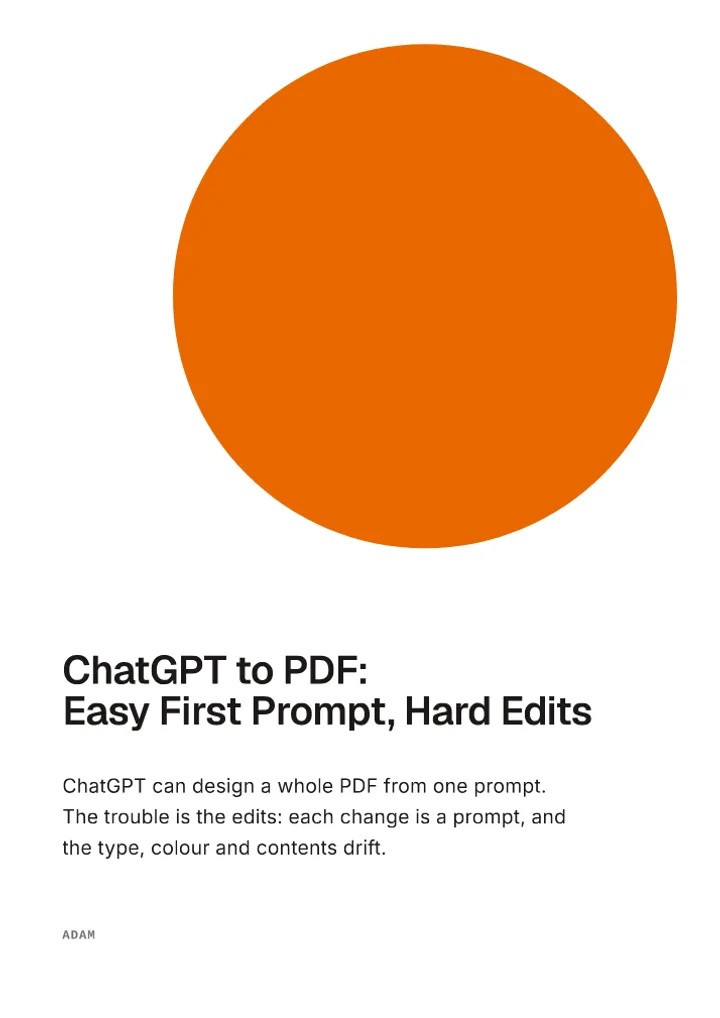 Cover, p. 1 Title, subtitle and author, from the post.
 -
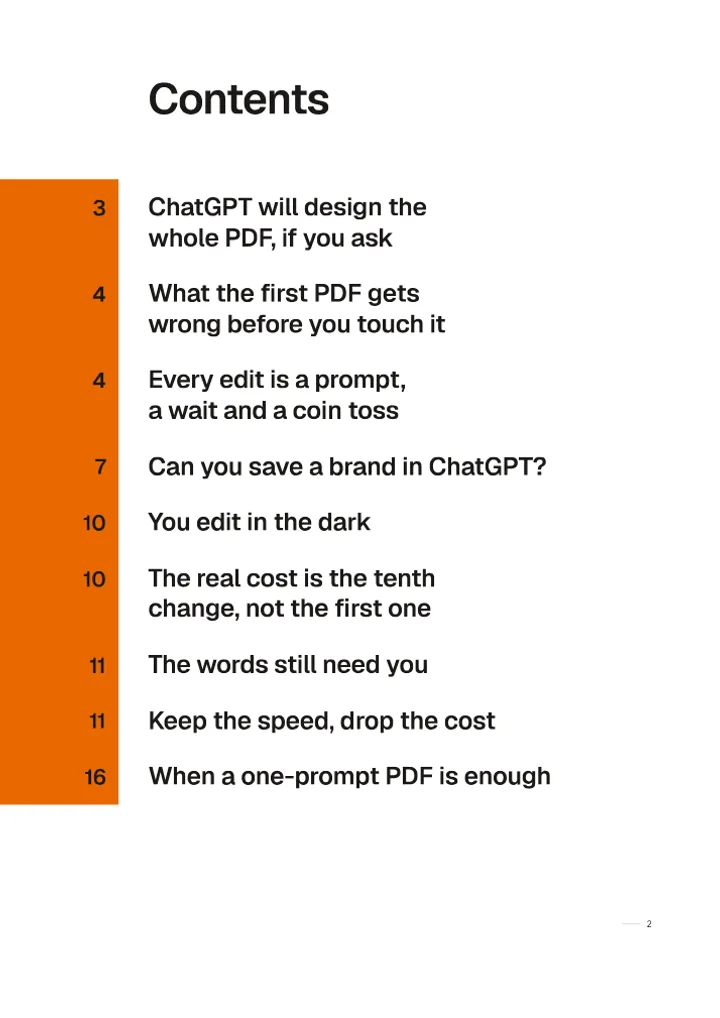 Contents, p. 2 Built from the post's headings.
 -
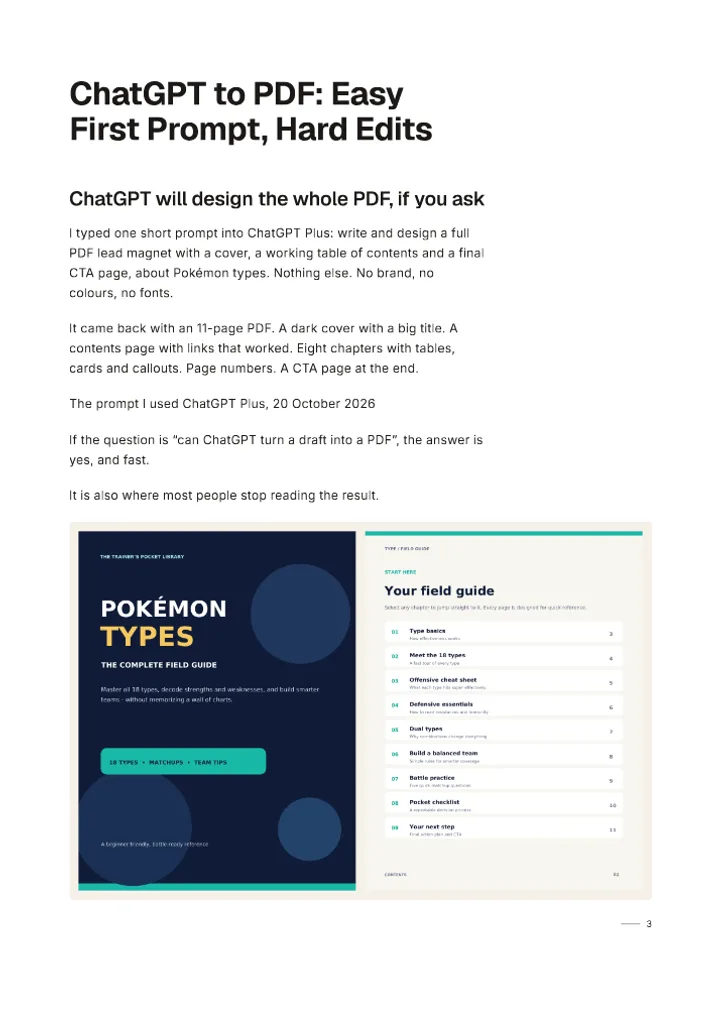 The article, p. 3 Its words and screenshots, set in the layout.
 -
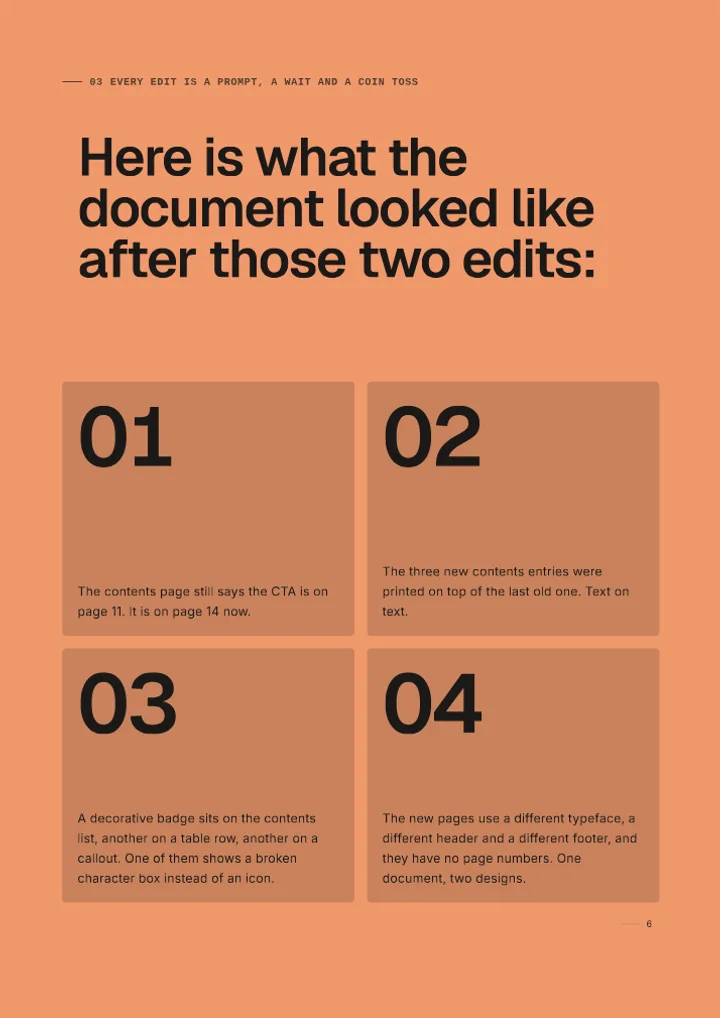 A feature page, p. 6 A numbered list, designed as a spread.
05What comes across
Your words stay. The website goes.
Kept
- Every word of the article, exactly as written
- Headings, which become the contents page
- Lists, quotes, tables and links
- Images (JPEG, PNG, GIF and WebP), downloaded into the document
- Captions, the title, the author and the page's description
Left behind
- Navigation, headers, footers and sidebars
- Ads, cookie banners, pop-ups and share buttons
- Newsletter sign-ups, related posts and comments (you can put any section back)
- Video, audio and embedded players
What it cannot do
- Public pages only: nothing behind a login or a paywall.
- One page per import. It does not follow links or crawl a site.
- Pages that only appear once JavaScript runs in your browser, like web apps, cannot be read.
- A link to a file, such as a PDF, is not a web page. Upload Word or Markdown files instead.
- Code blocks and nested lists come across as plain paragraphs and single-level lists.
06What it is for
Writing you already published, working twice.
-
Your best post becomes the lead magnet
The post that already ranks or gets shared is usually the one worth gating. Turn it into a designed PDF with a call-to-action page and offer it as the download.
-
A published guide becomes a client handout
Agencies and consultants who already wrote the guide on their site can hand it over as a branded document, in their own Brand Theme or the client's.
-
A docs page becomes something to print
Setup guides and help articles read better as a paginated document with a contents page than as a long web page printed from the browser.
07From your AI assistant
Or ask Claude to do it, even from your phone.
Connect Unplain to Claude once and send it a link with what you want. Claude passes the link to Unplain, Unplain reads the page exactly as above, and the PDF comes back in the chat.
Turn this article into a branded PDF using my Northline theme, leave out the newsletter sign-up, and give me the PDF link: https://northline.studio/journal/pricing-retainers
08Questions
Fair questions, plain answers.
How do I turn a blog post into a PDF?
Copy the post's address and paste it into Unplain: into the URL tab of the editor, or anywhere on the Unplain homepage. Unplain reads the article, shows you what it found, and creates a document with a cover, a contents page from the headings, pagination and your branding. Check it, edit anything you like, and export the PDF. No account is needed to try it.
Is this the same as printing a web page to PDF?
No, and that is the point. Print to PDF and webpage to PDF converters capture the page as it looks on the website, menus and all. Unplain keeps only the article and lays it out as a new document in your design. If you need an exact copy of how a page looked, use your browser's Print to PDF instead.
Does Unplain rewrite or summarise the article?
No. The text comes across exactly as written. Unplain reads the page with Mozilla Readability, the same engine as Firefox Reader View, and no AI model sees the content. You can edit the words yourself in the editor afterwards.
Which pages work?
Public articles, blog posts, guides and documentation pages, one page at a time. Pages behind a login or a paywall, pages that only render with JavaScript in the browser (web apps), and links to files such as PDFs cannot be read. When a page cannot be read, Unplain says why and offers to let you paste the text instead.
What happens to the images?
Images in JPEG, PNG, GIF and WebP are downloaded and placed into the layout with their captions, so the PDF does not depend on the website staying online. SVG and AVIF images are skipped, and if any image fails to download, Unplain tells you how many.
Can I use my brand instead of the website's look?
Yes. Pick one of your Brand Themes, or use the site's own colors and logo when Unplain finds them. The site's look is applied to that document only, until you choose Save as theme.
Can I import someone else's article?
Unplain reads any public page, but republishing someone else's writing as your own PDF needs their permission. It is built for turning your own posts, guides and docs into documents.
Is it free?
Importing a page is free on every plan and needs no account. Free exports go up to 10 content pages (the cover, contents and CTA pages do not count) with a "Made with Unplain" badge. Longer posts need Pro at $16 a month or a one-time $9 Creator Pack, and the import warns you before you start if a page will run longer.
Can my AI assistant do this for me?
Yes. Connect Unplain to Claude, Claude Code or Codex and ask, for example, "turn this article into a branded PDF using my Brand Theme". The assistant hands Unplain the link, Unplain reads the page the same way, and you get the PDF back in the chat.
Writing in Docs or with AI instead? Turn a ChatGPT draft or a Claude draft into a PDF, see everything Unplain composes, or read how it compares with Beacon.